
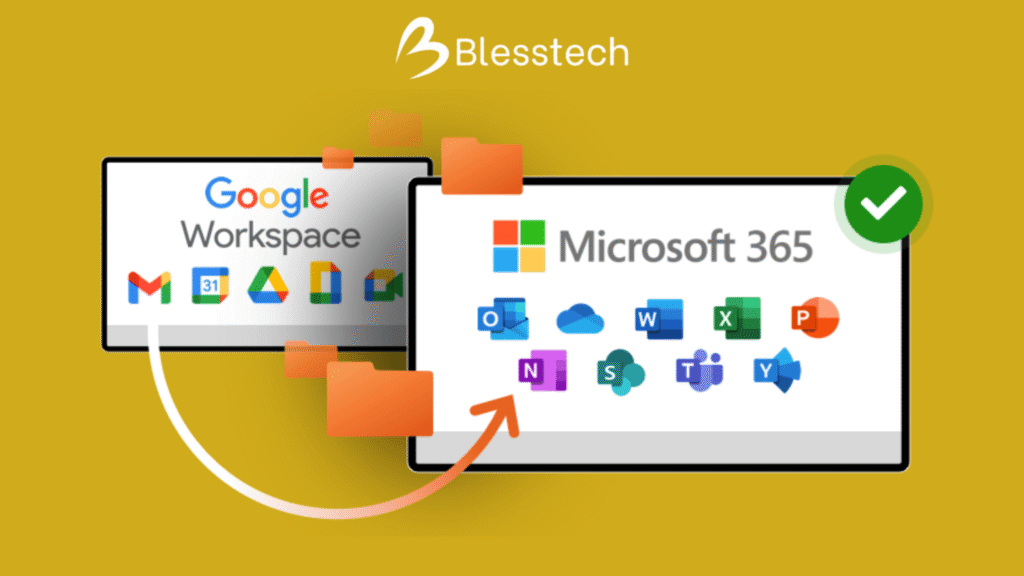
As businesses scale, collaboration and security requirements evolve. Many organizations are now moving from Google Workspace to Microsoft 365 to gain stronger security, deeper integration with business systems, and better enterprise-level control.
This guide explains how to migrate from Google Workspace to Microsoft 365 in a structured, low-risk, and SEO-friendly way—covering planning, execution, and post-migration best practices.
Why Businesses Migrate from Google Workspace to Microsoft 365
Before starting the migration, it’s important to understand the business drivers behind the move:
- Advanced security and compliance features
- Better identity and access management
- Native integration with Windows, ERP, and enterprise tools
- Centralized IT control and scalability
- Improved collaboration across email, files, meetings, and devices
Once the decision is clear, a structured migration approach ensures minimal disruption.
Step 1: Pre-Migration Assessment and Planning
Migration success depends heavily on preparation.
Key Planning Activities
- Audit Google Workspace users, mailboxes, and domains
- Identify data to migrate (Gmail, Drive, Calendar, Contacts)
- Decide migration scope and timeline
- Choose Microsoft 365 licenses
- Communicate the plan to users
A detailed assessment reduces surprises during execution.
Step 2: Set Up Microsoft 365 Tenant
Before migrating any data, Microsoft 365 must be properly configured.
Microsoft 365 Setup Includes
- Creating the Microsoft 365 tenant
- Verifying domains
- Assigning licenses to users
- Configuring basic security settings
- Preparing Exchange Online mailboxes
This step ensures the destination environment is ready.
Step 3: Prepare Google Workspace for Migration
Google Workspace also needs preparation to allow secure data transfer.
Google Workspace Preparation
- Enable API access
- Create a service account or admin access
- Ensure Gmail and Drive permissions are correct
- Clean up unused accounts and data
Preparation minimizes migration errors and delays.
Step 4: Choose the Right Migration Method
There are multiple ways to migrate from Google Workspace to Microsoft 365.
Common Migration Options
- Native Microsoft migration tools
- Third-party migration tools
- Partner-led managed migration
For most businesses, a partner-led migration ensures zero data loss, minimal downtime, and faster completion.
Step 5: Migrate Email from Gmail to Exchange Online
Email is usually migrated first.
Email Migration Process
- Map Google users to Microsoft 365 users
- Run pilot migration for selected users
- Perform full mailbox migration
- Sync incremental changes
Emails, folders, and metadata are transferred securely to Exchange Online.
Step 6: Migrate Files from Google Drive to OneDrive & SharePoint
After email, document migration is the next critical step.
File Migration Best Practices
- Categorize personal and shared drives
- Migrate personal files to OneDrive
- Migrate shared files to SharePoint
- Maintain folder structures and permissions
This ensures users can access files without confusion after migration.
Step 7: Migrate Calendars and Contacts
Calendars and contacts are migrated to maintain continuity.
What Gets Migrated
- User calendars
- Meeting schedules
- Contacts and address books
This prevents meeting disruptions and communication gaps.
Step 8: User Training and Change Management
Technology migration is also a people transition.
Training Focus Areas
- Using Outlook instead of Gmail
- Accessing OneDrive and SharePoint
- Microsoft Teams for collaboration
- Mobile and desktop setup
Proper training improves adoption and reduces support tickets.
Step 9: Cutover and Go-Live
Once data is synced and users are trained, the final cutover is performed.
Go-Live Activities
- Switch MX records to Microsoft 365
- Validate mail flow
- Monitor system performance
- Provide hypercare support
A well-planned cutover ensures minimal downtime.
Step 10: Post-Migration Optimization
Migration does not end at go-live.
Post-Migration Best Practices
- Enable advanced security features
- Configure retention and compliance policies
- Optimize Teams and SharePoint usage
- Decommission Google Workspace
Post-migration optimization maximizes ROI.
Common Challenges in Google to Microsoft 365 Migration
- Poor planning and unclear scope
- Incomplete data mapping
- User resistance to change
- Lack of post-migration support
Working with an experienced migration partner helps avoid these risks.
Migrating from Google Workspace to Microsoft 365 is a strategic move—not just a technical task. When planned and executed correctly, it improves security, productivity, and long-term scalability.
Businesses that treat migration as a structured transformation—not a quick switch—achieve smoother adoption and better outcomes.
If you’re planning a Google Workspace to Microsoft 365 migration, a well-defined approach and expert support can make all the difference.