What Is an IT Ticketing System?
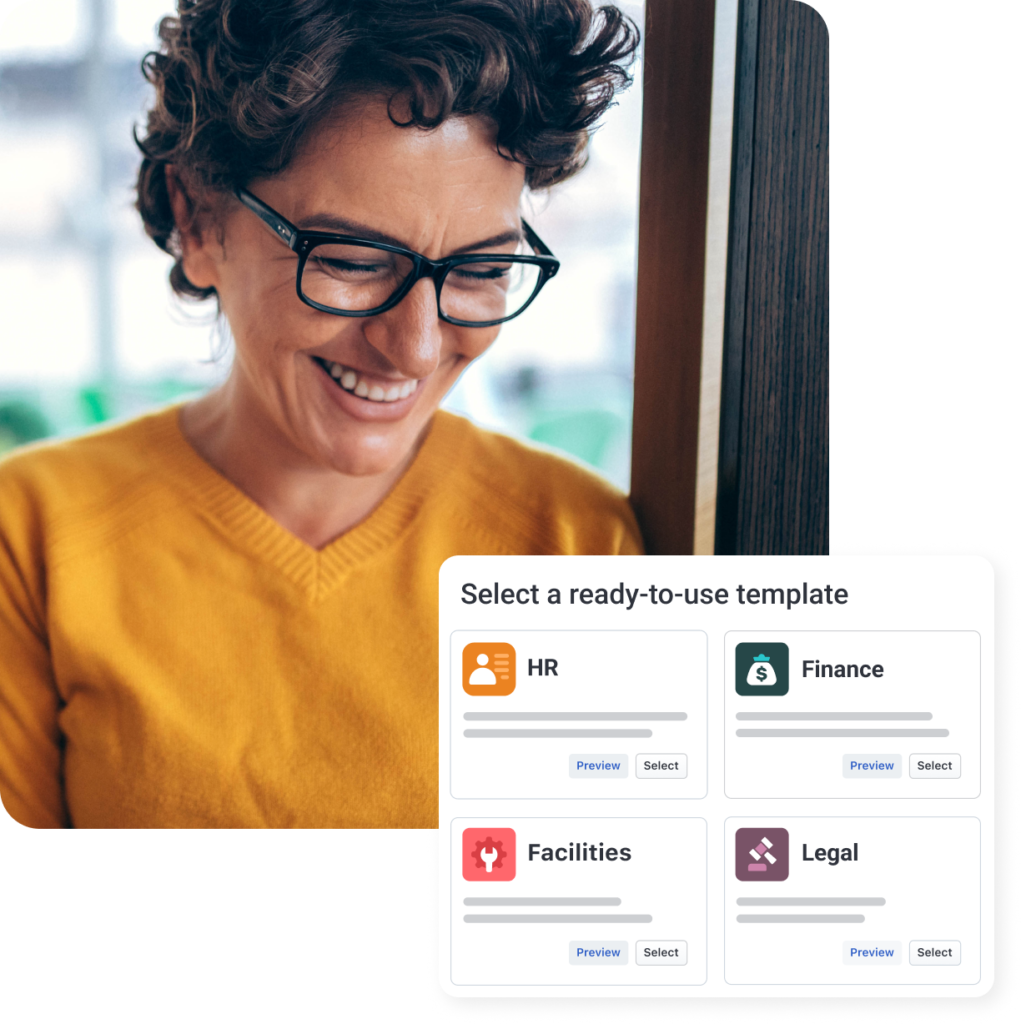
An IT Ticketing System is a centralized software platform used to log, track, prioritize, and resolve IT support requests (called tickets) from employees, customers, or external stakeholders.
Each issue or request is converted into a ticket with details such as:
- Issue description
- Priority and severity
- Assigned technician or team
- Status (open, in progress, resolved)
- SLA and resolution time
The goal is simple:
👉 Ensure no IT request is missed, delayed, or mishandled.
Why IT Ticketing Systems Are Critical Today
As businesses scale, IT environments become more complex:
- Hybrid workforces
- Cloud applications
- Cybersecurity risks
- Multiple devices per user
Without an IT ticketing tool, organizations face:
- Missed support requests
- Slow response times
- No accountability
- Poor user experience
- Zero visibility into IT performance
An IT ticketing system brings structure, automation, and transparency to IT support operations.
How Does an IT Ticketing System Work?
Step-by-Step Ticket Lifecycle
- Ticket Creation
Users raise tickets via email, portal, chatbot, or API. - Categorization & Prioritization
Tickets are categorized (incident, request, problem) and assigned priority. - Assignment
Tickets are routed automatically to the right technician or team. - Resolution
IT teams troubleshoot and resolve the issue. - Closure & Feedback
Ticket is closed after confirmation, often with user feedback.
This structured workflow ensures faster resolutions and SLA compliance.
Key Features of an IT Ticketing System
1. Centralized Ticket Management
All IT requests are stored in one dashboard—no scattered emails or messages.
2. Automation & Workflow Rules
- Auto-ticket assignment
- SLA-based escalations
- Priority rules
Automation reduces manual effort and human error.
3. SLA & Response Time Tracking
Track:
- First response time
- Resolution time
- SLA breaches
This is crucial for enterprise IT and compliance-driven industries.
4. Multi-Channel Support
Users can raise tickets via:
- Self-service portal
- Chat
- Mobile apps
5. Knowledge Base & Self-Service
Employees resolve common issues themselves, reducing ticket volume.
6. Reporting & Analytics
Gain insights into:
- Ticket volume trends
- Technician performance
- Common IT issues
- Cost of IT operations
Benefits of Using an IT Ticketing System
✅ Faster Issue Resolution
Structured workflows eliminate delays.
✅ Improved Employee & Customer Experience
Quick, predictable IT support builds trust.
✅ Better Accountability
Every ticket has an owner and SLA.
✅ Scalability
Handle growing IT demands without increasing headcount.
✅ Compliance & Audit Readiness
Full ticket history and logs for audits.
IT Ticketing System vs Helpdesk Software
| Feature | Helpdesk (Basic) | IT Ticketing System |
|---|---|---|
| Ticket Tracking | Basic | Advanced |
| Automation | Limited | Extensive |
| SLA Management | ❌ | ✅ |
| ITSM Processes | ❌ | ✅ |
| Reporting | Minimal | Advanced |
Modern IT ticketing systems are often part of IT Service Management (ITSM) platforms.
Popular IT Ticketing Tools in the Market
🔹Freshservice
A cloud-native ITSM and ticketing tool designed for modern enterprises.
Key strengths:
- Intuitive UI
- Strong automation
- Incident, problem & change management
- AI-powered ticket categorization
Best for: Mid-to-large enterprises adopting ITIL practices.
🔹 ManageEngine ServiceDesk Plus
A widely used IT ticketing and ITSM solution with on-premise and cloud options.
Key strengths:
- Deep ITIL alignment
- Asset & CMDB integration
- Strong reporting
Best for: Enterprises needing control and customization.
🔹 Salesforce Service Cloud
While known for CRM, Salesforce Service Cloud is also used as a powerful ticketing system.
Key strengths:
- Omnichannel case management
- AI-powered insights
- Deep customer data integration
Best for: Customer-facing IT & support teams.
🔹 Other Notable IT Ticketing Tools
- Jira Service Management
- Zendesk
- ServiceNow
Who Should Use an IT Ticketing System?
IT Teams & Service Desks
- Incident management
- Request fulfillment
Enterprises & SMBs
- Internal IT support
- Compliance & governance
Managed Service Providers (MSPs)
- Multi-client ticket tracking
- SLA enforcement
Customer Support Teams
- Technical issue resolution
- Customer service workflows
IT Ticketing System and ITIL Alignment
Most modern IT ticketing systems support ITIL processes, including:
- Incident Management
- Problem Management
- Change Management
- Service Request Management
This helps organizations standardize IT operations and improve service maturity.
Cloud-Based vs On-Premise IT Ticketing Systems
| Aspect | Cloud | On-Premise |
|---|---|---|
| Deployment | Fast | Time-consuming |
| Maintenance | Vendor-managed | Internal IT |
| Scalability | High | Limited |
| Cost | Subscription | High upfront |
Cloud-based ticketing systems are now the preferred choice.
Security & Compliance
Enterprise-grade IT ticketing systems offer:
- Role-based access control
- Audit logs
- Data encryption
- Compliance with ISO, SOC, GDPR standards
This is critical for regulated industries.
How to Choose the Right IT Ticketing System
Ask these questions:
- Do you need ITIL processes?
- How many users and tickets per month?
- Cloud or on-premise?
- Integration with ERP, CRM, or asset tools?
- Budget and scalability needs?